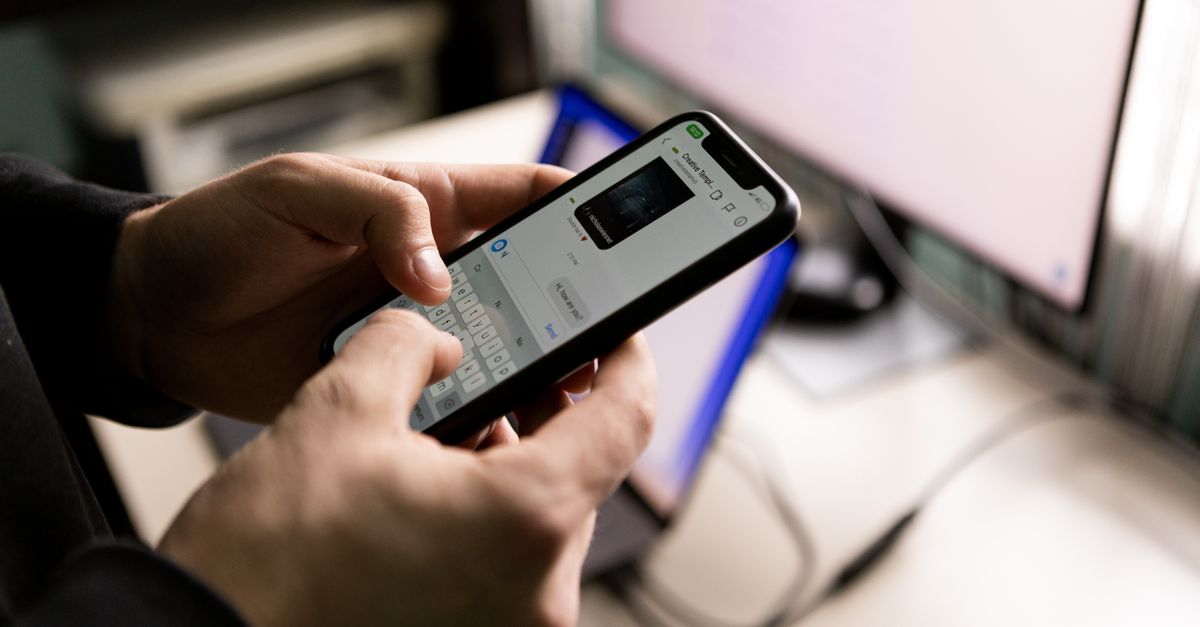
WhatsApp is the lifeline of daily communication for most families and businesses in Ahmedabad and across Gujarat. So it is frightening when you suddenly get logged out, receive a strange verification code you did not request, or find that friends are getting odd money-request messages from your number. In most cases this means someone is trying to take over your account. The good news: you can usually get it back within minutes if you act calmly. This guide explains exactly what to do, in plain language, without any technical knowledge.
How WhatsApp Accounts Get Hijacked
Understanding the trick helps you fix it faster. WhatsApp verifies you using a 6-digit code sent by SMS. If a scammer knows your phone number, they try to register your number on their phone. WhatsApp then sends the code to your phone. The scammer messages you pretending to be a friend, courier, or WhatsApp support, and says something like "I accidentally sent a code to your number, please forward it to me." The moment you share that code, they log in and you get kicked out.
Other common tricks include:
- Fake links promising rewards, free recharge, or KYC updates that steal your login session.
- Someone gaining physical access to your unlocked phone and linking it to WhatsApp Web.
- SIM swap fraud, where a criminal gets a duplicate of your SIM card from the mobile operator.
Golden rule: WhatsApp never asks for your verification code, and no genuine friend needs it either. Never share the 6-digit code or your two-step verification PIN with anyone, for any reason.
Signs Your Account Has Been Hacked
- You are suddenly logged out and see a message that your number is registered on another device.
- Contacts tell you they received messages or money requests you never sent.
- You notice unfamiliar chats, or messages marked as read that you never opened.
- You received a verification code by SMS that you did not request.
Step 1: Immediately Re-Register Your Number
WhatsApp allows only one active session per phone number. That means if a scammer logged in with your number, you can simply log back in and they will automatically be thrown out. Here is how:
- Open WhatsApp on your phone.
- Enter your own phone number and tap to continue.
- WhatsApp sends a fresh 6-digit code by SMS to your number.
- Enter that code in the app. Do not share it with anyone.
- Once verified, you are back in control and the intruder is logged out.
If the account also had two-step verification enabled by the hacker, you may be asked for a 6-digit PIN you do not know. In that case, you must wait. WhatsApp will let you reset without the PIN after a waiting period (usually up to 7 days). Keep trying to log in after the timer shown on screen ends.
Step 2: Turn Off WhatsApp on the Other Device
After you regain access, immediately check for any linked devices the scammer may have connected:
- Open WhatsApp and tap the three-dot menu (Android) or Settings (iPhone).
- Go to Linked Devices.
- Review the list. If you see any computer, browser, or device you do not recognise, tap it and select Log Out.
- Choose Log out from all devices to be completely safe.
Step 3: Enable Two-Step Verification (This Is the Most Important Step)
This single feature stops almost all takeover attempts, because even if someone gets your SMS code, they cannot register your number without your secret PIN.
- Open WhatsApp and go to Settings.
- Tap Account, then Two-step verification.
- Tap Turn on and create a 6-digit PIN you can remember but others cannot guess (avoid your birth year or 123456).
- Add your email address. This lets you reset the PIN if you ever forget it.
Write the PIN down somewhere safe at home. Never share it over a call or message.
If You Cannot Get Back In At All
Sometimes the scammer enables two-step verification with their own PIN and you are stuck at the PIN screen. Do the following:
- Keep attempting to log in. WhatsApp shows a countdown after which you can reset without the PIN. Wait it out — it is designed to protect you.
- Meanwhile, email WhatsApp support directly. In the app (if you can open it) go to Settings > Help > Contact us. If you cannot open the app, send an email to WhatsApp support from your registered email and clearly write: "Lost/stolen. Please deactivate my account" along with your full phone number in international format (for example, +91 followed by your 10-digit number).
- When WhatsApp deactivates the account, the scammer loses access too. If the account stays inactive for 30 days, it is deleted, protecting your identity.
Tip: Always use the official website whatsapp.com or the in-app help to find support contact details. Do not trust "WhatsApp helpline numbers" you find in random Google results or forwarded messages — many are fake.
What to Do About the SIM and Bank Accounts
A WhatsApp takeover is often part of a bigger fraud attempt, especially if scammers messaged your contacts asking for money.
- Warn your contacts: Post a status update or message key contacts saying your account was compromised and to ignore any money requests sent recently.
- Check your SIM: If your phone shows "No Service" or the SIM stopped working suddenly, contact your mobile operator immediately — this can signal a SIM swap fraud.
- Secure linked apps: If the same number is used for UPI or banking OTPs, monitor those accounts and change passwords.
- Report financial fraud: If money was lost, call the national cybercrime helpline 1930 as soon as possible and file a complaint at the official portal cybercrime.gov.in. Fast reporting improves the chance of freezing the fraudulent transaction.
How to Prevent It From Happening Again
Never share codes or PINs
No genuine person or company will ever ask you to forward a WhatsApp verification code or two-step PIN. Treat any such request as a scam, even if it appears to come from a family member — their account may itself be hacked.
Keep two-step verification on
This is your strongest shield. Once enabled, leave it on permanently.
Lock your phone and WhatsApp
- Use a strong screen lock (PIN, pattern, fingerprint, or face unlock).
- Enable app lock inside WhatsApp: Settings > Privacy > App Lock and switch on fingerprint or face lock.
Be careful with links and "offers"
Do not click links promising free gifts, lottery wins, cashback, KYC updates, or job offers, especially those forwarded on WhatsApp. These often lead to phishing pages designed to steal your account or bank details.
Review linked devices regularly
Every few weeks, open Linked Devices and log out anything unfamiliar. If you used WhatsApp Web on a cyber cafe or a friend's computer, log out from there.
Keep the app updated
Update WhatsApp from the Google Play Store or Apple App Store regularly. Updates fix security holes that scammers exploit.
A Quick Recovery Checklist
- Re-register your number in WhatsApp using the fresh SMS code.
- Log out all unknown linked devices.
- Turn on two-step verification with a new PIN and email.
- Warn your contacts about any fake messages.
- Check your SIM and bank accounts for unusual activity.
- Report to 1930 / cybercrime.gov.in if money was involved.
Final Thoughts
A hacked WhatsApp account feels alarming, but in most cases recovery is quick because WhatsApp ties your account to your phone number and only one device can be active at a time. The key is to stay calm, log back in, and then lock the door behind you with two-step verification and an app lock. Take five minutes today to switch on these protections — it is far easier to prevent a takeover than to clean up after one. Share this guide with elderly relatives and less tech-savvy family members in your circle, since they are the most common targets of these scams in Gujarat and everywhere else.
Frequently Asked Questions
How do I recover a hacked WhatsApp account?
Open WhatsApp, enter your phone number, and verify it using the fresh 6-digit code sent by SMS. This will automatically log out the scammer from your account.
What should I do if I am asked for a two-step verification PIN I do not know?
Keep trying to log in until the timer shown on your screen ends. WhatsApp will then let you reset the account without the PIN after the waiting period.
How do I log out a scammer from linked devices?
Go to Settings, tap Linked Devices, review the list of connected computers or browsers, and select Log Out from all devices to secure your account.
What is the number to report cyber fraud in India?
If you lost money during a scam, call the national cybercrime helpline 1930 immediately and file a complaint at cybercrime.gov.in.